

Laptop Stickers for Programmers: Ultimate Guide (50+ Ideas + Where to Buy)
Walk into any tech office, university computer lab, or coffee shop with a decent WiFi password, and you’ll notice something immediately. The developers’ laptops look like art installations. There’s a Python snake coiled near the trackpad, a tux penguin in the corner, a “git push -force” decal slightly crooked in the best way possible, and somewhere in the middle of it all, an “it’s not a bug, it’s a feature” sticker that started a whole conversation three hackathons ago.
Laptop stickers for programmers aren’t just decorations. They’re a language. They tell the world what you build, what you believe in, what communities you belong to, and frankly, how much of a sense of humor you have about the daily chaos of writing software.
But here’s the thing: if you’re new to the sticker game, it can feel overwhelming. Where do you even start? What stickers actually look good? Are they safe for your laptop? Will your manager raise an eyebrow? And how do you remove them without destroying the finish?
This guide covers literally all of it. Consider this your full stack resource on programmer laptop stickers, from inspiration and sourcing to application and the eternal professional etiquette debate.
Let’s get into it.
Why Programmers Put Stickers on Their Laptops (It’s More Meaningful Than You Think)
The History Behind the Dev Sticker Culture
Developer laptop sticker culture didn’t start with memes and Redbubble. It actually goes back decades, tracing roots to the open-source movement and conference culture of the early internet era. Back then, if a project gave you a sticker, it meant you were part of something. Linux. Apache. Mozilla. These weren’t just logos, they were badges of community membership.
That tradition stuck (pun intended). Today, programmers collect stickers from open-source projects they contribute to, conferences they attend, companies they’ve worked at, and tools they swear by. Your laptop lid is essentially your professional autobiography, just significantly more colorful and with more caffeine jokes than your LinkedIn.
What Your Laptop Stickers Actually Say About You
Here’s a fun way to read a developer: look at their laptop lid before you say hello.
A macOS user with a “Real Programmers Use Vim” sticker is going to have very different opinions about tooling than the developer next to them with a VS Code sticker and a “I Survived the Tab vs. Spaces War” decal. A Kubernetes logo beside a Terraform badge tells you they’re deep in cloud infrastructure. A single “Hello, World” sticker on an otherwise clean MacBook? That’s someone who keeps their desk tidy and their commits atomic.
Stickers create instant connection. They’re conversation starters. They’re culture. And they’re one of the cheapest ways to make your setup feel completely yours.
What to Look for in High-Quality Programmer Laptop Stickers
Before you slap anything on a $1,500 machine, let’s talk quality. Not all stickers are created equal, and the cheap ones will remind you of that fact approximately three dishwasher cycles later.
Vinyl vs. Paper Stickers – Know the Difference
This is the most important distinction. Vinyl stickers are waterproof, UV-resistant, and designed to last 2–5 years. They handle heat, sweat (yes, your palms), and general daily abuse without peeling or fading. They’re also significantly easier to remove cleanly.
Paper stickers are the ones you get in sticker packs from discount stores. They look fine on day one. By month three, the edges are lifting, the colors are fading, and one encounter with a damp sleeve and they’re history. Unless it’s a conference sticker with sentimental value, skip the paper.
Always look for die-cut vinyl with a glossy or matte laminate coating. That’s the sweet spot for laptop use.
Print Quality and Color Fastness
A sticker with a great design is worthless if it looks washed out after a few weeks. Look for stickers that use full-color printing (CMYK or digital print) with a protective overlaminate. Good manufacturers will specify this. The programmer laptop stickers and vinyl decals at TechGeeksApparel are a solid example, weatherproof vinyl built to last, not just look good in the product photo.
Size and Proportionality
There’s an art to sticker placement, and size matters. Tiny 1-inch stickers get lost on a 15″ laptop lid. Giant 6-inch decals can overwhelm your layout. For most laptop stickers, the sweet spot is 2–4 inches, large enough to read, small enough to layer with other stickers. Check dimensions before you order.
Adhesive Strength – Strong Enough to Stay, Gentle Enough to Leave
The best laptop stickers use a pressure-sensitive adhesive that bonds firmly to most surfaces but doesn’t leave gluey residue behind when removed. Stickers that are too aggressive can damage matte finishes or leave marks on aluminum. Check for “clean removal” or “repositionable” language in product descriptions if you’re cautious.
50+ Laptop Sticker Ideas for Programmers
Programming Language Stickers
These are the classics. Show the world what you code in. Some crowd favorites:
- Python (the snake logo is instantly recognizable)
- JavaScript (the yellow JS badge)
- Rust (the gear/crab mascot, huge among systems programmers right now)
- Go (the friendly gopher)
- TypeScript, Kotlin, Swift, Ruby, C++, PHP, basically any language has an official or fan-made sticker
If you want to go deep on this category, our dedicated post on the best developer laptop sticker designs covers the most iconic picks in tech culture.
Framework and Tool Stickers
Beyond the language, your tools say a lot:
- React, Vue, Angular (the holy trinity of frontend wars)
- Docker (the whale is iconic)
- Kubernetes (the helm wheel)
- Git (the branching logo)
- Linux / Tux the penguin
- Vim vs. Emacs (pick a side, live with the consequences)
- Neovim, VS Code, JetBrains logos
- Terraform, Ansible, Jenkins
- AWS, GCP, Azure logos
Funny Developer Humor Stickers
This is where it gets really fun. The funniest and most relatable laptop sticker ideas for programmers lean hard into dev culture absurdity:
- “It works on my machine” (certified classic)
- “git push -force” (chaotic neutral energy)
- “There’s no place like 127.0.0.1”
- “It’s not a bug, it’s a feature”
- “I test in prod” (dangerous but honest)
- “Deploy on Friday” (dark humor)
- “sudo make me a sandwich”
- “// TODO: Fix this later” (later = never)
- “Semicolons matter” and “Semicolons don’t matter” (have both, let people fight)
- “Hello, World”
- Error 404: Sleep Not Found
- “Have you tried turning it off and on again?”
- “Coffee.execute()”
Open-Source and Community Stickers
These come from projects you contribute to or support:
- Linux Foundation
- Mozilla Firefox
- Apache
- Debian, Ubuntu, Arch Linux (the Arch one especially carries a certain personality)
- Python Software Foundation
- FreeBSD daemon
Retro and Vintage Tech Stickers
There’s a whole nostalgia market here. Floppy disk art, old terminal aesthetics, pixel-art computers, the original Mac design, all of these make for beautiful, conversation-sparking laptop stickers. Pair one with a retro tech t-shirt and you’ve got a full aesthetic going.
Minimalist and Abstract Stickers
Not every developer wants text and logos. Some people prefer:
- Geometric circuit board patterns
- Binary code art
- Abstract topology or data visualization art
- Monochrome geometric shapes
- Single-line code art (a clean
while(true) { coffee(); }on white)
Where to Get Laptop Stickers for Programmers
Finding great stickers is half the battle. Here’s a breakdown of the best sources. For the full breakdown with quality comparisons and prices, see our dedicated guide on where to get the best laptop stickers for developers.
Specialty Developer Gear Stores
This is your best bet for stickers that actually land with a developer audience. Shops that specialize in coder culture understand the humor and the references. TechGeeksApparel’s programmer sticker collection is purpose-built for the dev community, real inside jokes, quality vinyl, and designs that resonate whether you’re a senior engineer or a CS freshman.
Etsy – For Handmade and Indie Designs
Etsy hosts thousands of independent artists making developer-specific stickers. The quality varies by seller, so look for shops with consistent reviews specifically mentioning longevity and print sharpness. Great for unique, one-of-a-kind designs you won’t see on anyone else’s laptop.
Redbubble and Society6
These print-on-demand platforms let independent artists upload designs that get printed on stickers (and other products). Huge selection, solid base quality for the vinyl options, and you’ll find everything from mainstream tech logos to extremely niche humor. Delivery can be slower, but the variety is unmatched.
Amazon
Amazon has everything, which is also its weakness. You’ll find great sticker packs and absolute garbage sitting side by side. Filter by rating (4.5+), read the most critical reviews, and specifically look for mentions of whether the print held up after several weeks of use. Search terms like “vinyl programmer sticker pack” tend to surface better quality options.
Conference and Event Stickers
Don’t underestimate the cultural currency of conference stickers. Swag from PyCon, GitHub Universe, KubeCon, or your local hackathon has a level of authenticity and story that purchased stickers simply can’t replicate. These are often free, genuinely rare, and instantly start conversations with people who were there.
Official Project Websites
Many open-source projects and tech companies sell official stickers through their own shops or include them when you donate/subscribe. The Python Software Foundation, Rust Foundation, and various Linux distributions sell or give away official stickers. Wearing the real logo is a flex in certain circles.
Are Laptop Stickers Safe? What You Need to Know Before You Apply
This is a legit concern, especially if you’ve got a premium laptop. The short answer is: yes, quality vinyl stickers are safe, but there are a few things to know. We cover this in depth in our guide to whether stickers are actually safe for your laptop, but here’s the quick version.
Heat Vents and Airflow – The #1 Rule
Never cover ventilation slots, fan exhausts, or any grid-pattern openings on your laptop. Modern laptops generate serious heat, and restricting airflow even partially can cause thermal throttling, reduced performance, and long-term component damage. Most vents are on the bottom or sides of the machine, the lid is generally safe, but always check your specific model.
Matte vs. Glossy Surfaces
Stickers adhere and remove differently on different surfaces. Glossy aluminum (think MacBook lids) is the most forgiving, stickers go on clean and come off cleanly with minimal residue. Matte surfaces (common on Lenovo and Dell business laptops) are trickier. Aggressive adhesives can damage the finish, and removal sometimes disturbs the matte coating. Use low-tack stickers on matte surfaces and remove them slowly and carefully. See our guide specifically on using laptop stickers safely on a Dell if you’re running one of those models.
Removal Without Damage
When it’s time to remove a sticker, patience beats force every time. Use a credit card or plastic scraper to lift the edge slowly. Apply gentle heat from a hairdryer (low setting, held at distance) to soften the adhesive if the sticker is being stubborn. For residue, isopropyl alcohol on a microfiber cloth works without damaging most finishes. Never use harsh chemical solvents.
Are Laptop Stickers Unprofessional at Work?
Ah, the eternal debate. This gets its own full treatment in our post on whether laptop stickers are unprofessional in tech environments, but let’s tackle it directly here.
The Tech Industry’s Unofficial Stance
The overwhelming consensus in the software development world is: stickers are fine. Tech culture has always rewarded authenticity, self-expression, and personality. At most startups, scale-ups, and product companies, a stickered laptop is completely normal, sometimes even expected.
Open-source contributors, conference speakers, and senior engineers are often the most sticker-heavy. If anything, an enthusiastically decorated laptop in a tech environment signals passion, community involvement, and experience. That’s not a negative.
When to Read the Room
That said, context matters. Client-facing meetings at conservative enterprise clients call for more neutral presentation. Financial services, legal, government contracting, and regulated industries tend to skew more formal. If you’re heading into a client meeting or a first-day interview at a traditional company, it might be worth having a clean, sticker-free option or a laptop sleeve that lets you go incognito when needed.
The rule is simple: know your audience. Among developers? Stickers are currency. In a boardroom at a bank? Maybe leave the “I test in prod” decal covered.
Company Laptop vs. Personal Laptop
This is genuinely important. If the laptop belongs to your employer, ask about the policy before stickering it. Many tech companies are totally fine with it. But some IT departments have policies about modifications to company property, and even a vinyl sticker technically counts. When in doubt, ask. Or use a removable laptop skin or sleeve to express yourself without permanently committing.
How to Plan Your Laptop Sticker Layout
Putting stickers on without a plan is how you end up with a chaotic mess that doesn’t look intentional. Here’s how to approach it like a dev approaches a new project: with some structure.
Themes and Cohesion
Pick a loose theme before you start. Some developers go for a “tools I use” approach, every sticker represents something in their actual stack. Others go pure humor. Some mix both. Some go for an aesthetic (retro pixel art, minimalist black-and-white, or maximalist color chaos). Any approach can look great if it’s intentional.
Placement Strategy
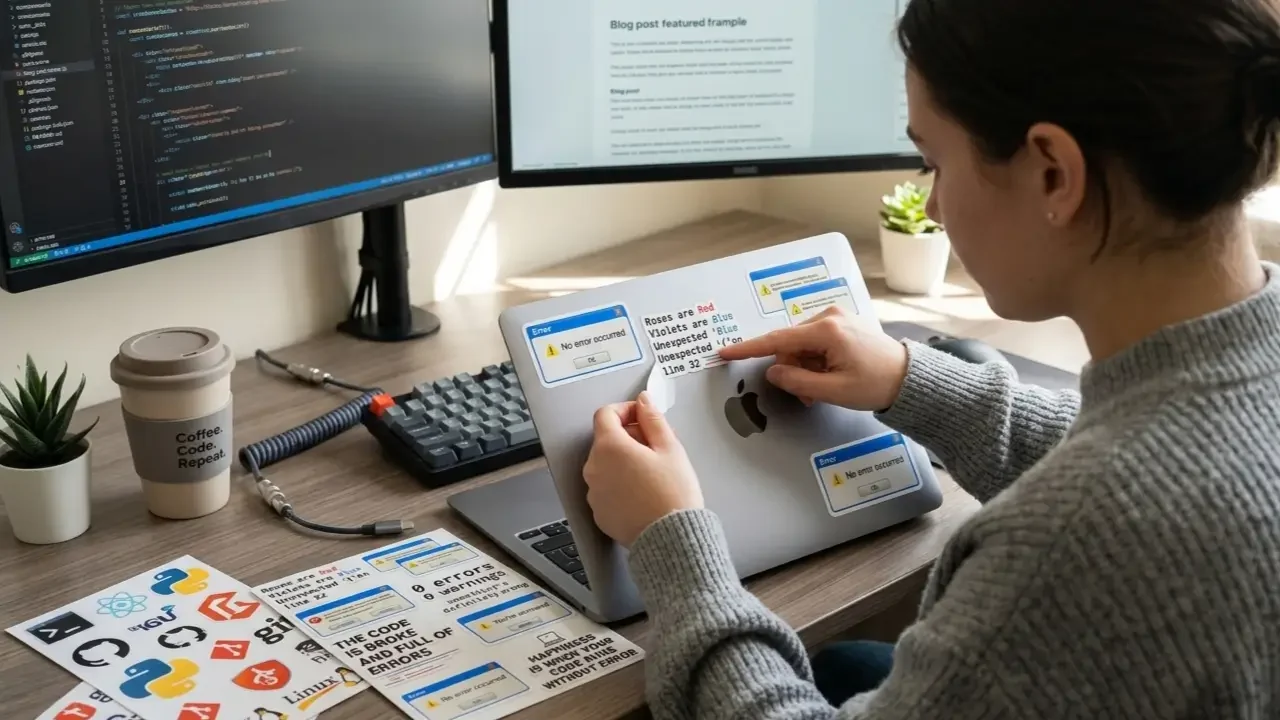
Start with one anchor sticker, usually your favorite or largest, and build outward. Leave some negative space, especially around the edges and the corners, so each sticker has room to breathe. Overlapping stickers on purpose is a style choice, but accidental misalignment just looks sloppy.
Lay them out on a flat surface and photograph the arrangement before peeling any backing. This lets you iterate without committing.
Mixing Sizes for Visual Rhythm
Vary your sizes. A layout of all same-size stickers looks monotonous. Mix 1-inch and 3-inch stickers, add a die-cut shape or two, and use a long horizontal sticker as a visual baseline somewhere in the layout. The result is a collection that looks curated, not random.
Level Up Your Whole Dev Aesthetic – Beyond Stickers
Your laptop stickers set the tone. But the full developer aesthetic goes deeper.
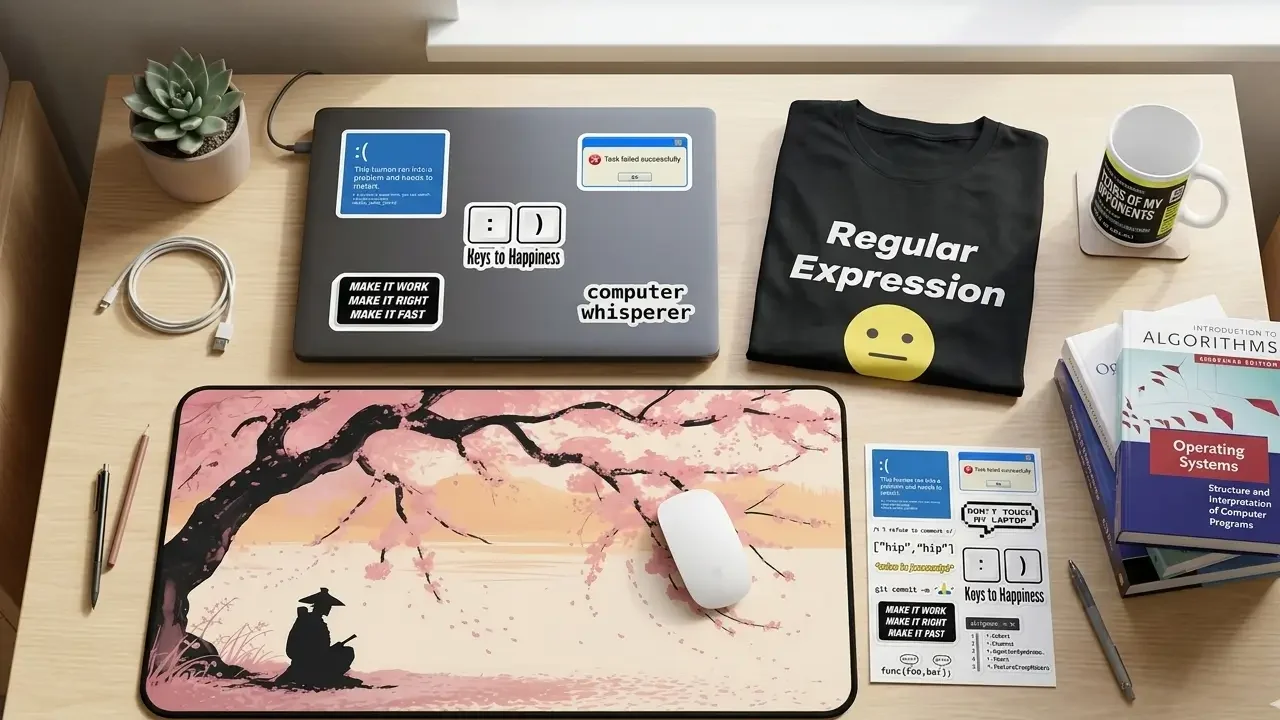
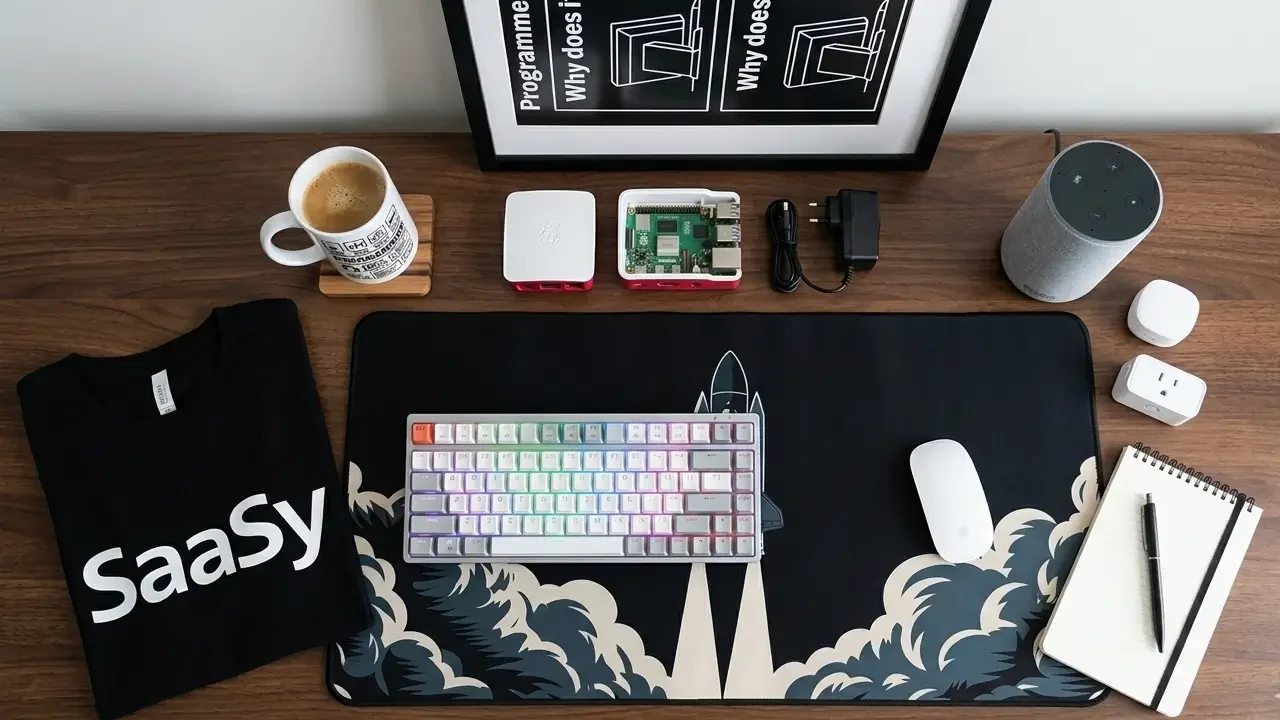
If you’re building out your setup, or putting together a gift for a developer, TechGeeksApparel is where the whole picture comes together. We’re talking funny programmer t-shirts with the same energy as your best stickers, developer hoodies for those deep work sessions, cozy geek sweatshirts for when the office AC goes rogue, programmer mugs that make your coffee ritual feel intentional, developer desk mats that pull the whole workstation together, and geek wall art and tech posters for the space around you.
The stickers on your laptop and the shirt on your back are speaking the same language. Might as well make them say something good.
Quick Laptop Sticker Reference: The Do’s and Don’ts
Before we wrap up, here’s a fast reference guide:
✅ Do:
- Use quality vinyl stickers (die-cut, laminated)
- Check dimensions before buying
- Plan your layout before peeling
- Apply to a clean, dry surface
- Keep vents and heat exhausts clear
- Remove slowly with gentle heat if needed
❌ Don’t:
- Cover ventilation slots or fan exhausts
- Use paper stickers on expensive laptops
- Apply stickers to a dusty or oily surface (they’ll peel)
- Peel aggressively; always go slow
- Assume company laptops are okay without checking policy
Conclusion – Your Laptop Lid Is a Canvas. Use It Well.
Laptop stickers for programmers are one of those small things that carry a surprising amount of meaning. They signal community. They show personality. They spark conversations that turn into friendships, job leads, and collaborations. And sometimes, looking down at a sticker that perfectly captures your developer experience, “//TODO: sleep” at 2 AM, anyone?, is the tiny moment of levity that gets you through the debugging session.
Whether you’re a sticker veteran with a fully covered lid or a first-timer trying to figure out where to start, this guide should have you covered. Explore developer laptop sticker ideas, figure out where to find the coolest programmer stickers, and check out TechGeeksApparel’s full collection of programmer stickers and developer gear to find pieces that actually match your dev energy.
Now go forth. Sticker responsibly.
Frequently Asked Questions
Are laptop stickers safe for all laptop surfaces?
Generally yes, but the material matters. Quality vinyl stickers with pressure-sensitive adhesive are safe for most laptop surfaces including aluminum and hard plastic. Be more cautious with matte finishes, use low-tack stickers and remove slowly. Always avoid covering ventilation slots. Our full guide on are stickers safe for laptops covers surface types in detail.
Where is the best place to buy laptop stickers for programmers?
The best places are specialty developer gear stores (like TechGeeksApparel), Etsy for indie designs, Redbubble for variety, official project stores for authentic logos, and tech conferences for the rare stuff. See our full guide to where to get laptop stickers for a detailed breakdown.
Are laptop stickers considered unprofessional at work?
In most tech environments, no, laptop stickers are widely accepted and culturally normal in software development. Context matters though: client-facing situations at conservative companies may call for a cleaner presentation. Read the room, and check company policy if the laptop belongs to your employer. Full take in our post on are laptop stickers unprofessional.
How do I remove laptop stickers without leaving residue?
Go slow. Use a plastic card to lift the edge gently. Apply low heat from a hairdryer (held at a distance) to soften the adhesive if needed. Clean any remaining residue with isopropyl alcohol on a soft microfiber cloth. Never use chemical solvents on laptop surfaces.
What are the best laptop sticker ideas for programmers just getting started?
Start with your primary programming language logo, one funny developer humor sticker (the “It works on my machine” classic never misses), and one open-source project you care about. That’s a solid foundation to build from. Check out our full list of 50+ laptop sticker ideas for developers for more inspiration.
![A clean flat lay of nerdy gift ideas under $50, featuring a "World's [0] Programmer" t-shirt, a "I Learned Patience the Hard Way" mug, mechanical keyboard keycaps, and tech-themed books](https://techgeeksapparel.com/wp-content/uploads/2026/06/nerdy-gift-ideas-under-50-programmer-essentials.webp)